


Instructions: For Wallpapers: All images are 800 x 600 pixels For Windows Users: Go to desired image and right-click your mouse. Select Save Target As... Then choose folder where you want to store image. You can open the image later and choose Set As Background. You may also choose this option instead of Save Target As... Mac Users (For MAC O/S X): Move the mouse cursor over the image you want to set as wallpaper. Drag picture to desktop or folder. Open the control panel "Appearance/Desktop" Click remove picture and then click select the picture. Load new wallpaper from where you saved the image on your computer Select "position automatically" for wallpaper. |
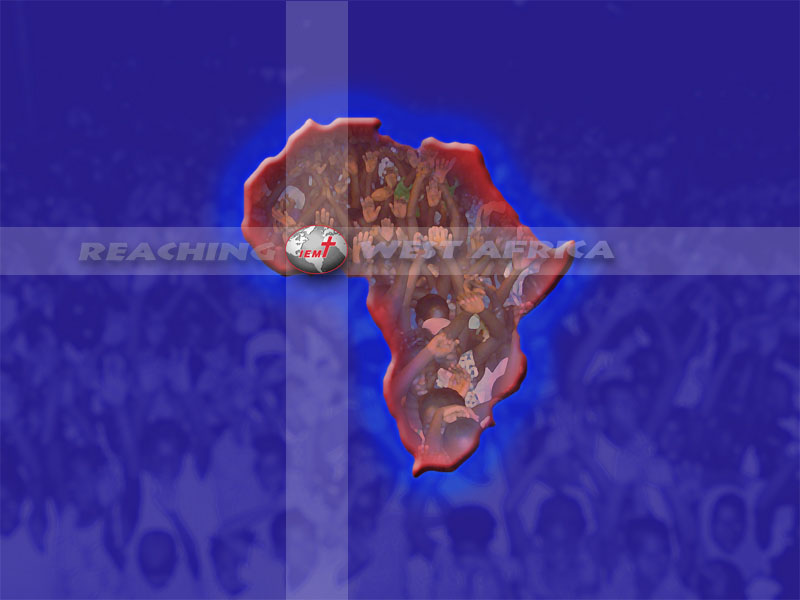
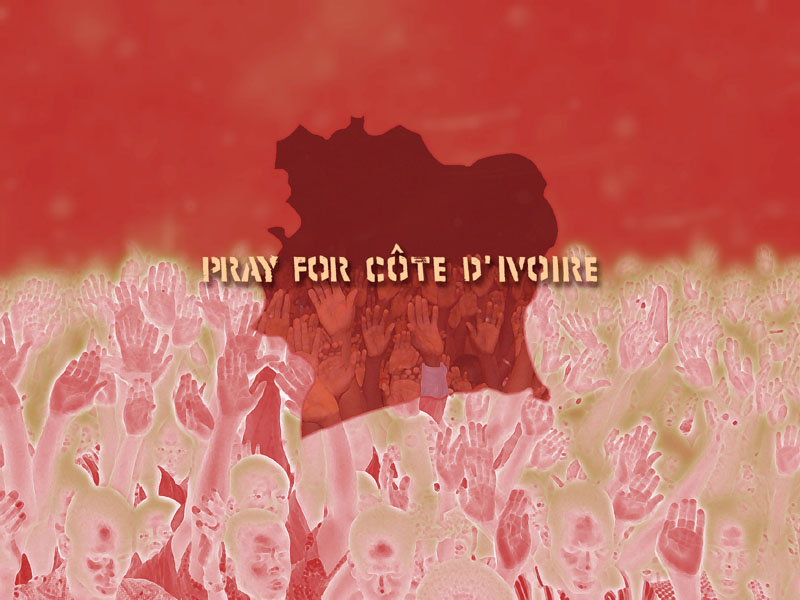
Wallpapers: - (Click on the thumbnails to see larger image)


Streaming Video Clips:
If video does not start automatically, you may need to download one of these free media players:


*Windows Media® Player is a registered trademark
of Microsoft Corporation.
of Microsoft Corporation.
RealPlayer logo is a trademark of RealNetworks, Inc.

*Download times may take 1 to 5 minutes, depending on your internet connection speed.
Thank you for your patience!
Thank you for your patience!

Copyright©2008 International Evangelism Missions, Inc.
For questions or comments e-mail: webmaster
For questions or comments e-mail: webmaster
I
I
I
I
I
I